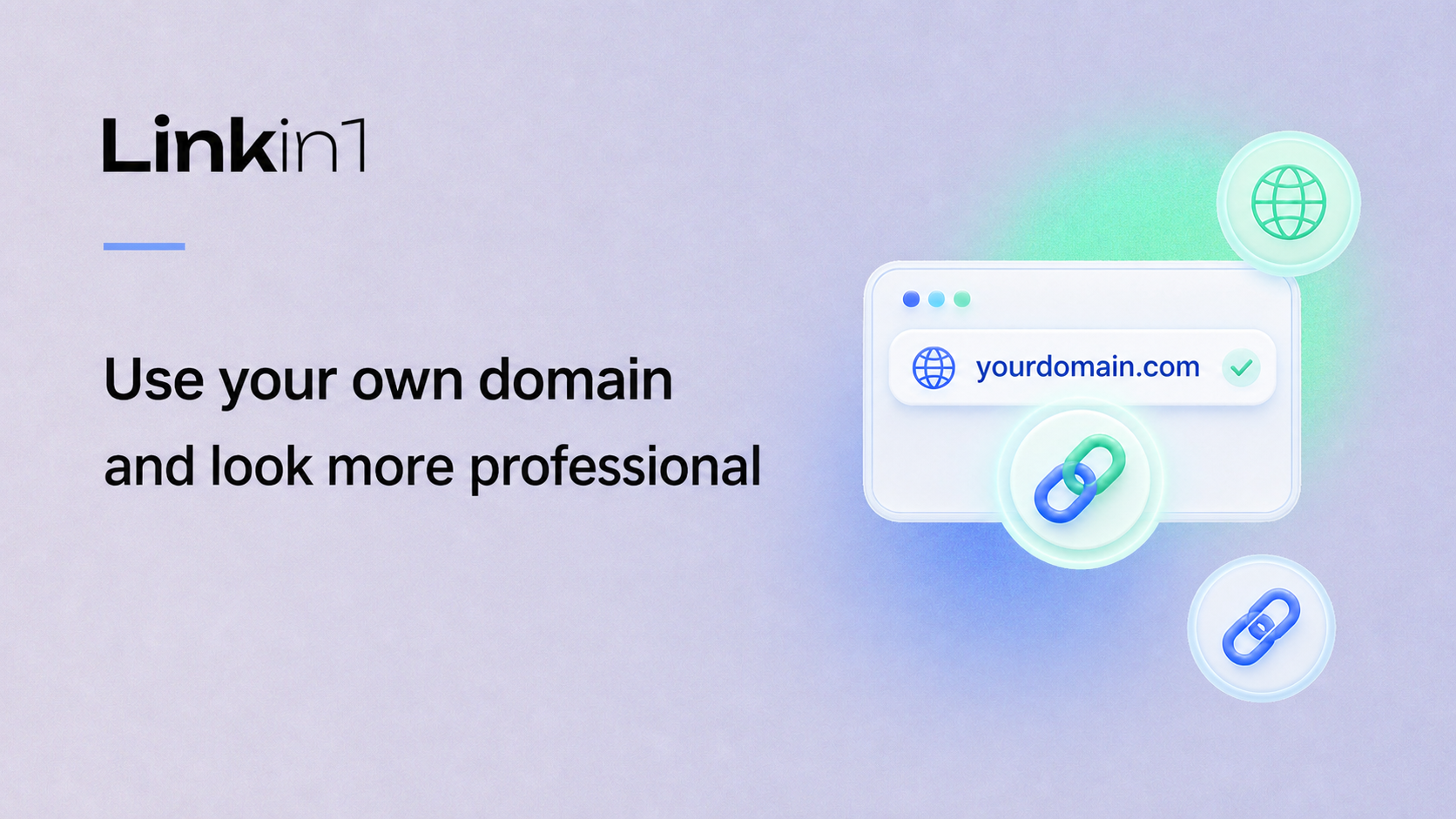
Your Linkin1 page already gives people one place to find your links, content, offers, menus, forms, payments, QR codes and social accounts. A custom domain takes that same page and puts it under your own brand address, for example yourbrand.com, instead of sending visitors through a platform-style link.
That difference is small technically, but big for trust. A domain you own looks better on Instagram bios, business cards, QR codes, ads, invoices and WhatsApp messages. It also gives you a stable address you can keep even as your page, campaigns and digital tools grow.
What the custom domain feature does
The custom domain feature connects a domain you own to your Linkin1 page. Visitors type your domain, or tap a link that uses it, and they land on your Linkin1 page with HTTPS once the certificate is issued. You do not need to build a website from scratch, move hosting, or write code.
It is especially useful if Linkin1 is acting as your digital business hub: links in bio, restaurant menu, quick payments, booking forms, tracking links, contact saving, and QR campaigns can all live behind one branded address.
How to connect your domain
- Open Custom Domain Settings from your Linkin1 dashboard.
- Enter the domain without
https://and withoutwww, for exampleyourbrand.com. - Add the DNS records shown in the dashboard: A for
@, AAAA for@, and CNAME forwww. - If your domain uses Cloudflare, keep the records in DNS only mode while connecting.
- Click Verify now, then wait for DNS and the HTTPS certificate to finish.
DNS changes can appear quickly, but they can also take several hours depending on your domain provider. If the domain does not verify immediately, check that the record names and values match the dashboard exactly, then try again later.
Why it is worth using
- More professional branding: your visitors see your domain first, not a generic campaign URL.
- Better offline marketing: a short branded domain is cleaner on printed QR codes, menus and flyers.
- Less friction: people trust a familiar brand address when they are about to pay, book, order or contact you.
- One stable hub: your domain can keep pointing to your Linkin1 page while you update the content behind it.
Common questions
Do I need coding? No. The only technical part is copying DNS records from Linkin1 to your domain provider.
Will HTTPS work? Yes. After verification, Linkin1 issues the certificate. During that step you may need to wait a little.
Can I remove the domain later? Yes. You can remove it from the custom domain settings if you want to change domains or go back to your normal Linkin1 link.
A clean next step for serious brands
If your Linkin1 page is becoming the main entry point for your audience or customers, a custom domain is one of the simplest upgrades you can make. You keep the speed and flexibility of Linkin1, but your visitors see a branded address that feels like a complete business presence.