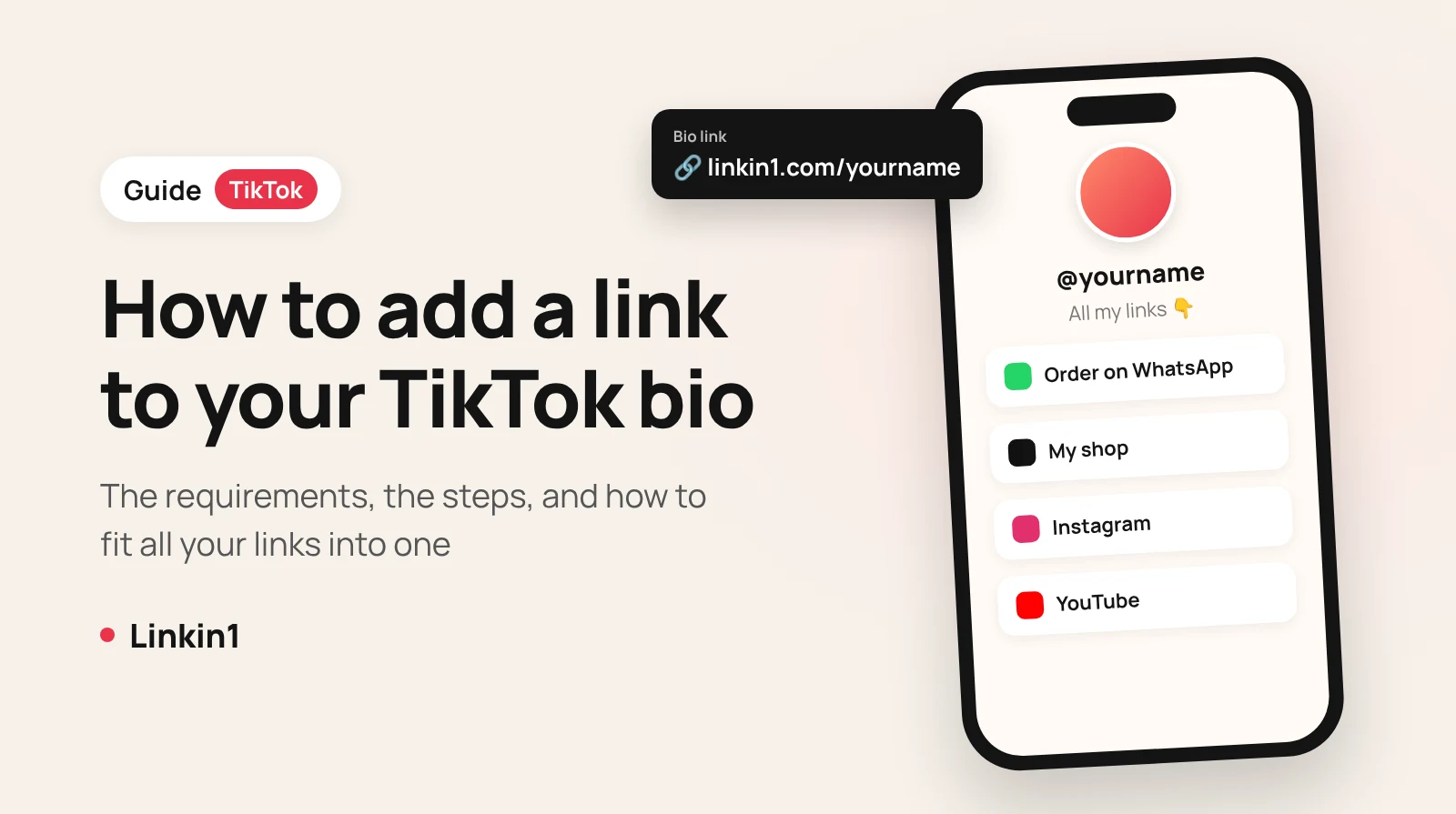
Short answer: TikTok only lets you add a clickable link to your bio if your personal account has 1,000 followers or more, or if you switch to a Business Account (TikTok may ask you to verify your business). Because TikTok gives you just one link, the smart move is to use a Linkin1 page as that link, so your shop, WhatsApp, Instagram, YouTube, menu, bookings and payments all sit behind it.
This guide covers TikTok's link-in-bio requirements, the exact steps in the app, why the link option sometimes doesn't show up, and how to set up a professional link-in-bio page in a few minutes.
TikTok link in bio requirements
TikTok doesn't unlock the website field for every account. You need one of these:
- A personal account with 1,000+ followers: once you reach that number, the link field appears in Edit profile.
- A Business Account: it allows a link regardless of follower count, but below 1,000 followers TikTok may ask for proof of your business, such as a registration document.
Keep in mind that business accounts don't get TikTok's full music library, so think about your content before switching.
How to add a link to your TikTok bio, step by step
- Open the TikTok app and tap Profile.
- Tap Edit profile.
- Find the Links or Website field and tap it.
- Paste your page link, for example
linkin1.com/yourname, and save. - Go back to your profile and check that the link appears and is clickable.
Not eligible yet? Write the address as plain text in your bio (it won't be clickable) and add it in a pinned comment under your videos until you qualify.
Why can't I add a link to my TikTok bio?
- Fewer than 1,000 followers on a personal account.
- You're on the web version: the link is usually edited from the mobile app.
- The app is out of date: update it and restart.
- Your business account isn't verified in your region yet, so TikTok asks you to finish business registration first.
One link isn't enough? Put everything on a Linkin1 page
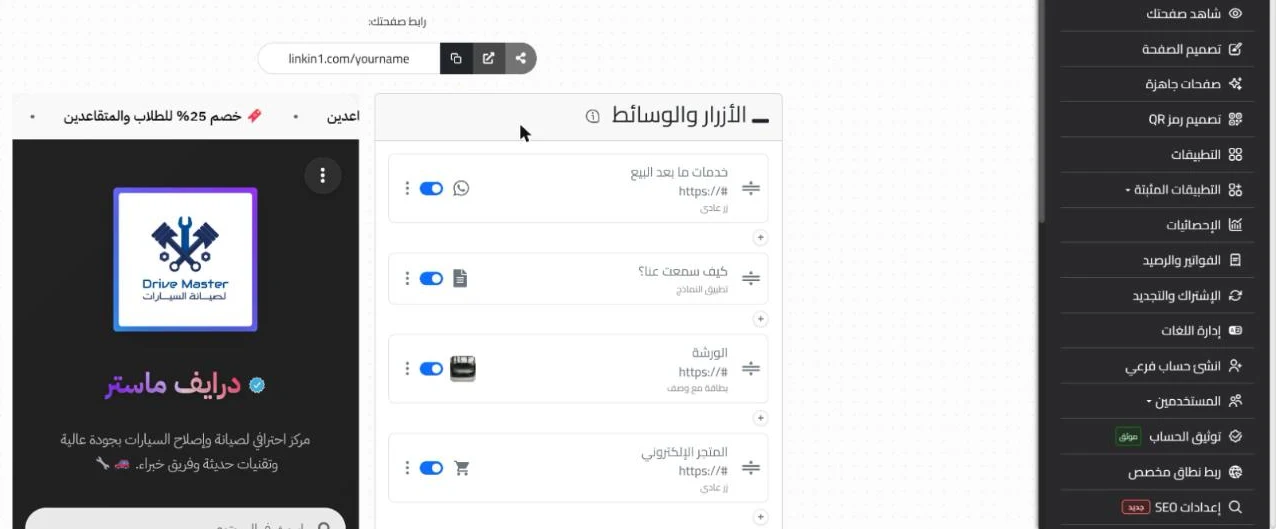
TikTok gives you room for one link, but your audience wants more: a WhatsApp number to order, a shop, a YouTube channel, an Instagram account or your restaurant menu. A Linkin1 page solves that: one short link in your TikTok bio, and behind it a page designed around you with everything your visitors need.
What can go on your page?
- Link buttons for every account and platform, with clear icons.
- A direct WhatsApp button for orders and questions.
- A digital menu, forms, bookings, or quick payments collected right from the page.
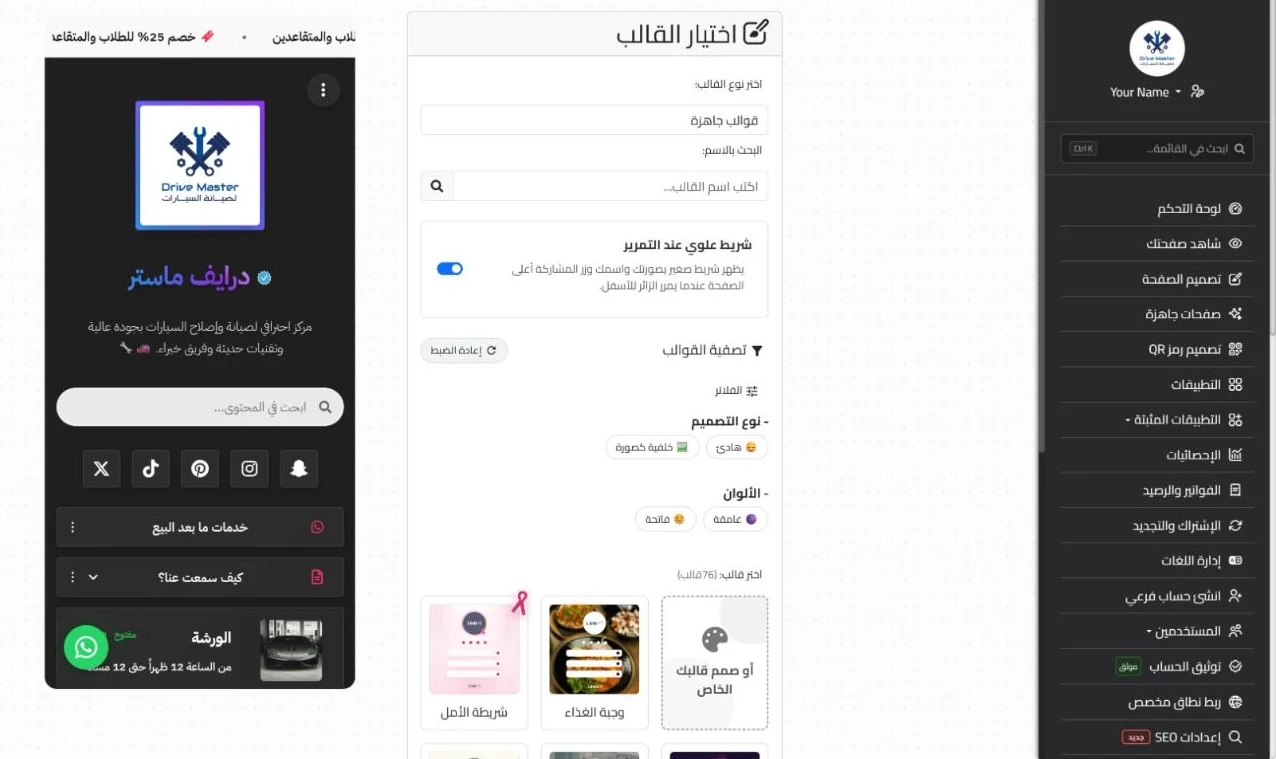
- A design in your brand colors, with full Arabic and right-to-left support if you need it.
Set up your TikTok bio link on Linkin1
- Create a free account and pick a short, memorable username.
- Put your most important links first: the one thing you want a TikTok visitor to do (buy, order, follow).
- Customize the design: photo, colors and background to match your profile.
- Copy your page link and paste it into TikTok's link field.
- Use tracking links to see exactly how many visitors came from TikTok.
Tips to get more clicks on your bio link
- Mention it in your videos: a simple "link in bio" at the end reminds viewers what to do next.
- Make the first button count: mobile visitors decide in seconds, so don't bury your key link.
- Update the page, not the bio: change links inside Linkin1 for each campaign without touching TikTok.
- Use a custom domain if you have a brand, so the link looks more trustworthy.
Frequently asked questions
Do I need 1,000 followers to add a link on TikTok? On a personal account, yes. A business account can add a link with fewer followers, though TikTok may ask you to verify your business.
How many links can I put in my TikTok bio? Only one website link, which is why people use a link-in-bio page like Linkin1 to hold all the rest.
Can I put a WhatsApp link directly in TikTok? Yes, but it uses up your only link. A page with a WhatsApp button plus your other links works better.
Is a Linkin1 page free? Yes, you can start for free, and paid plans add extra features.
Can I use the same link on Instagram and Snapchat? Yes. Your page has one link you can use on every profile.
Get started
Don't spend TikTok's only link slot on a single destination. Create your Linkin1 page, put it in your bio, and let every visitor find what they're looking for in one tap.